How the Demo was made
The Webdoline demo takes a dozen of Van Gogh artworks to build an artist website.
We are going to explore how each page is built. It's going to be more show than tell. For more depth about each functionality go to Know your Webdoline.
Global settings
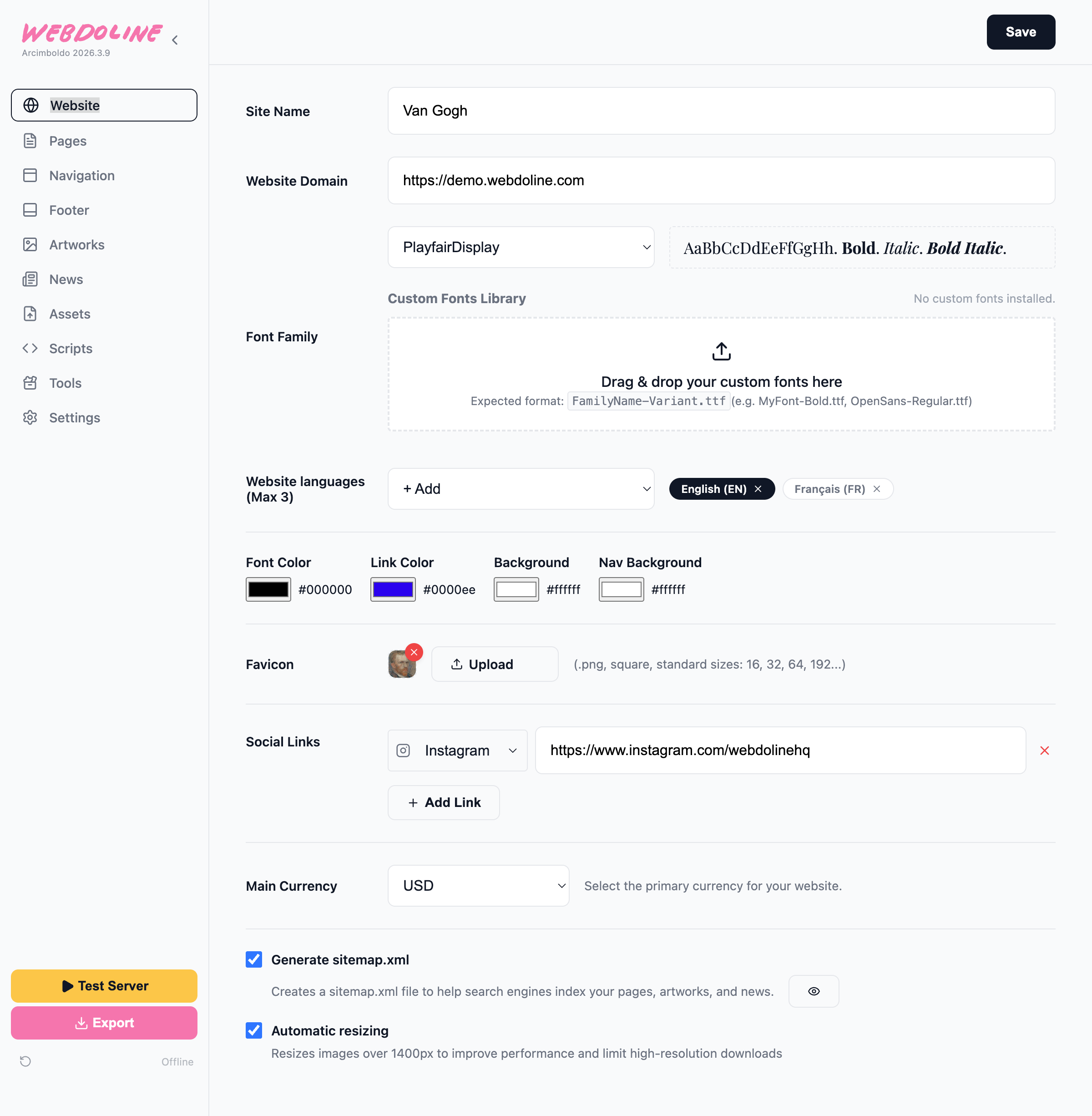
There are 3 sections that affect the website globaly and each page depends on them: Website, Navigation and Footer.
Website
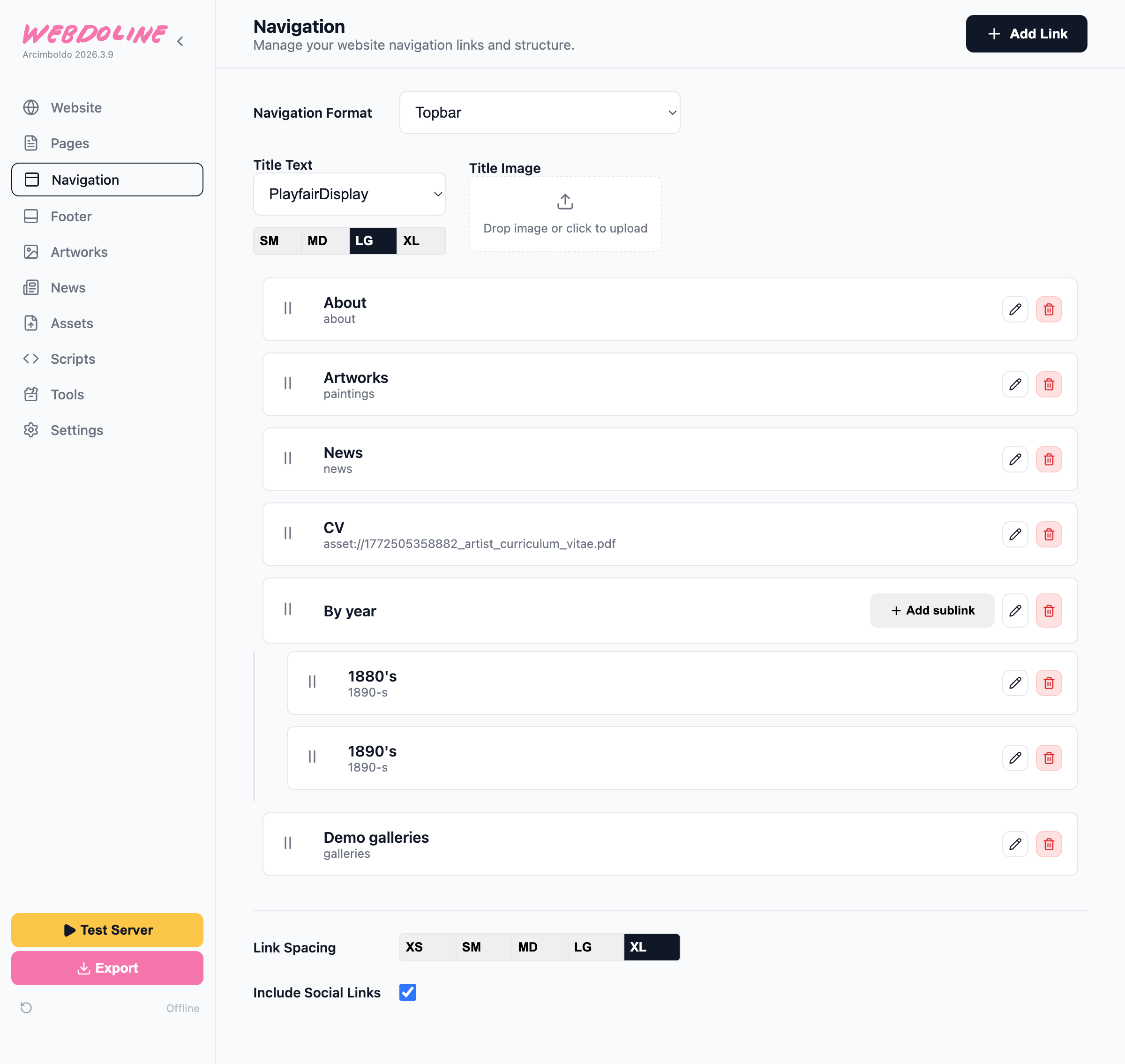
Navigation
Adding the "About" link in the navigation:
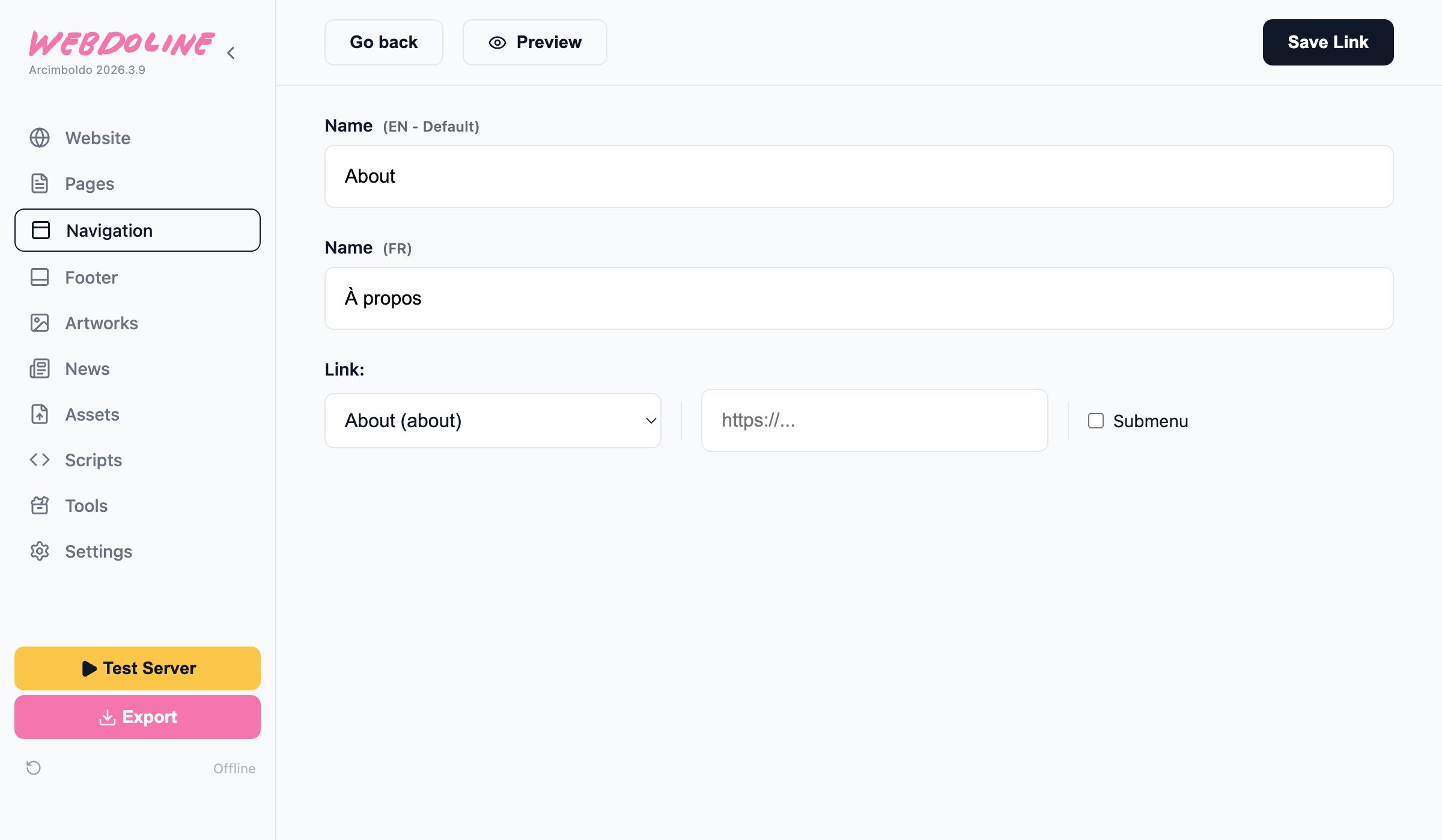
To add pages you need to have the pages created first. We'll see how to create pages later.
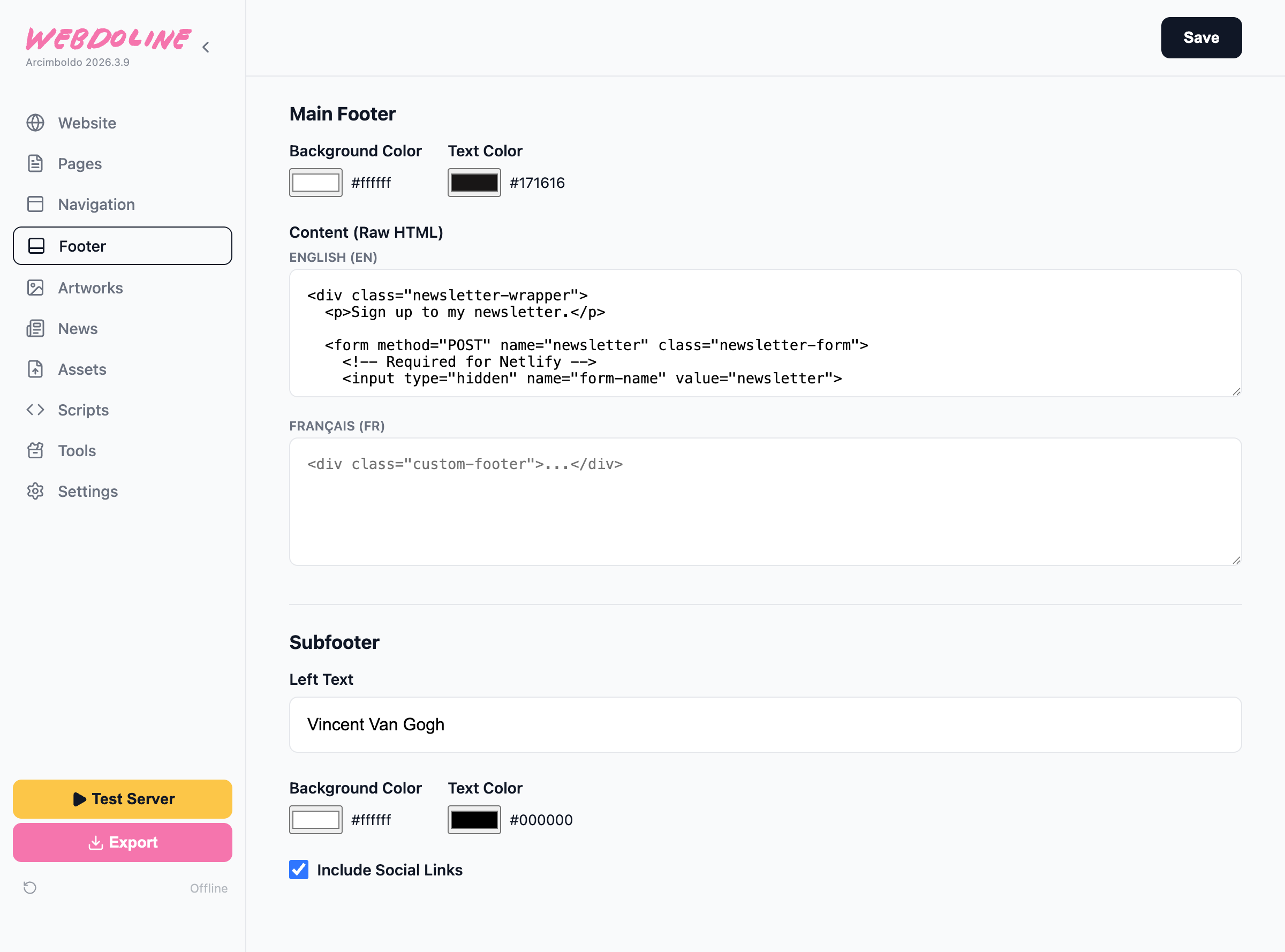
Footer
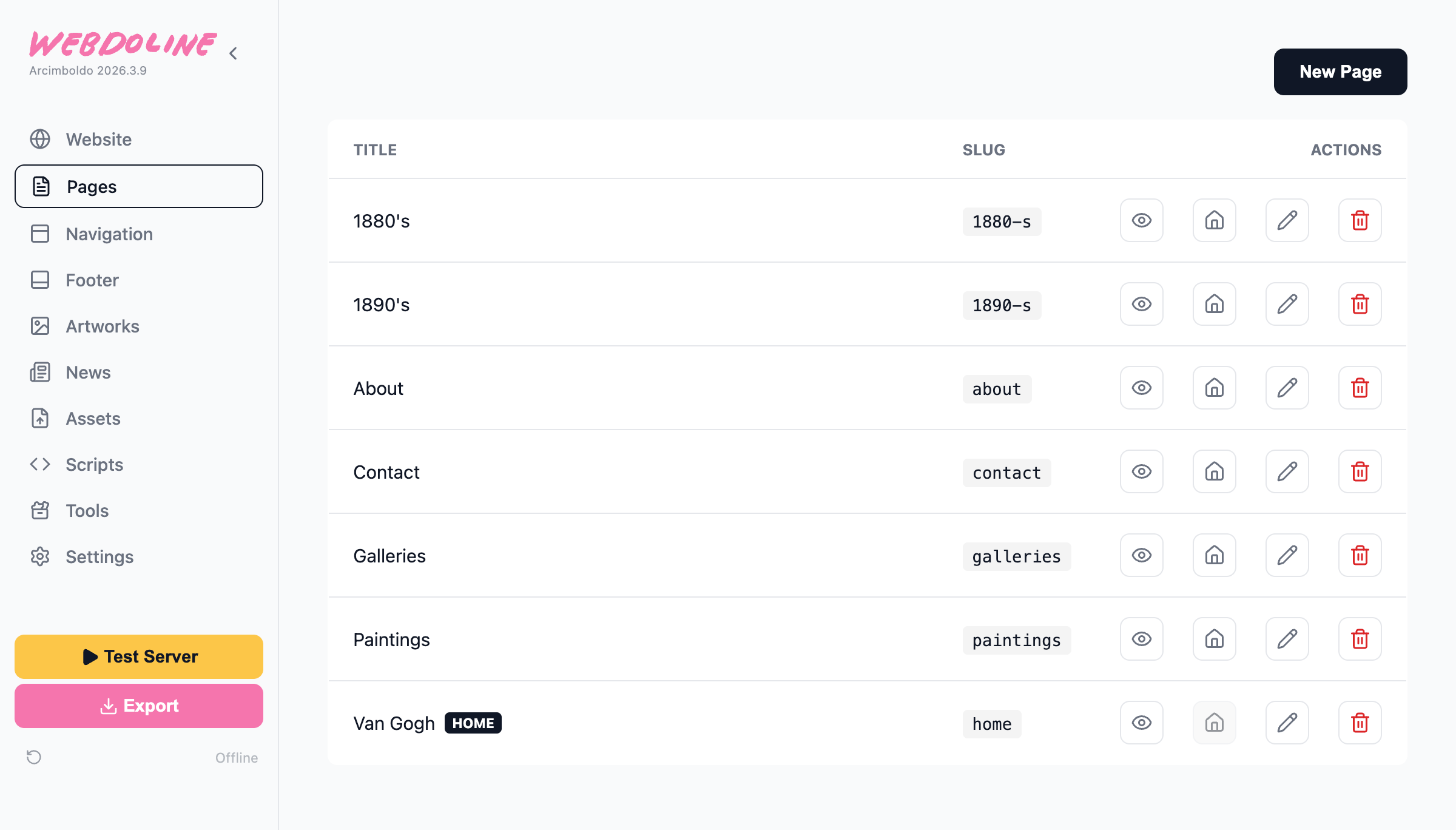
Standard Pages
There are 3 types of pages:
- Standard pages
- Artwork pages
- News pages
What you see in the image are standard pages. The home page has the "Home" icon clicked.
Pages are made of sections, there are 4 kind of sections:
- Standard Section
- Raw HTML
- Picture Gallery
- Asset
When you add a page, it's not added automatically to the navigation. You need to go to the navigation section to add it.
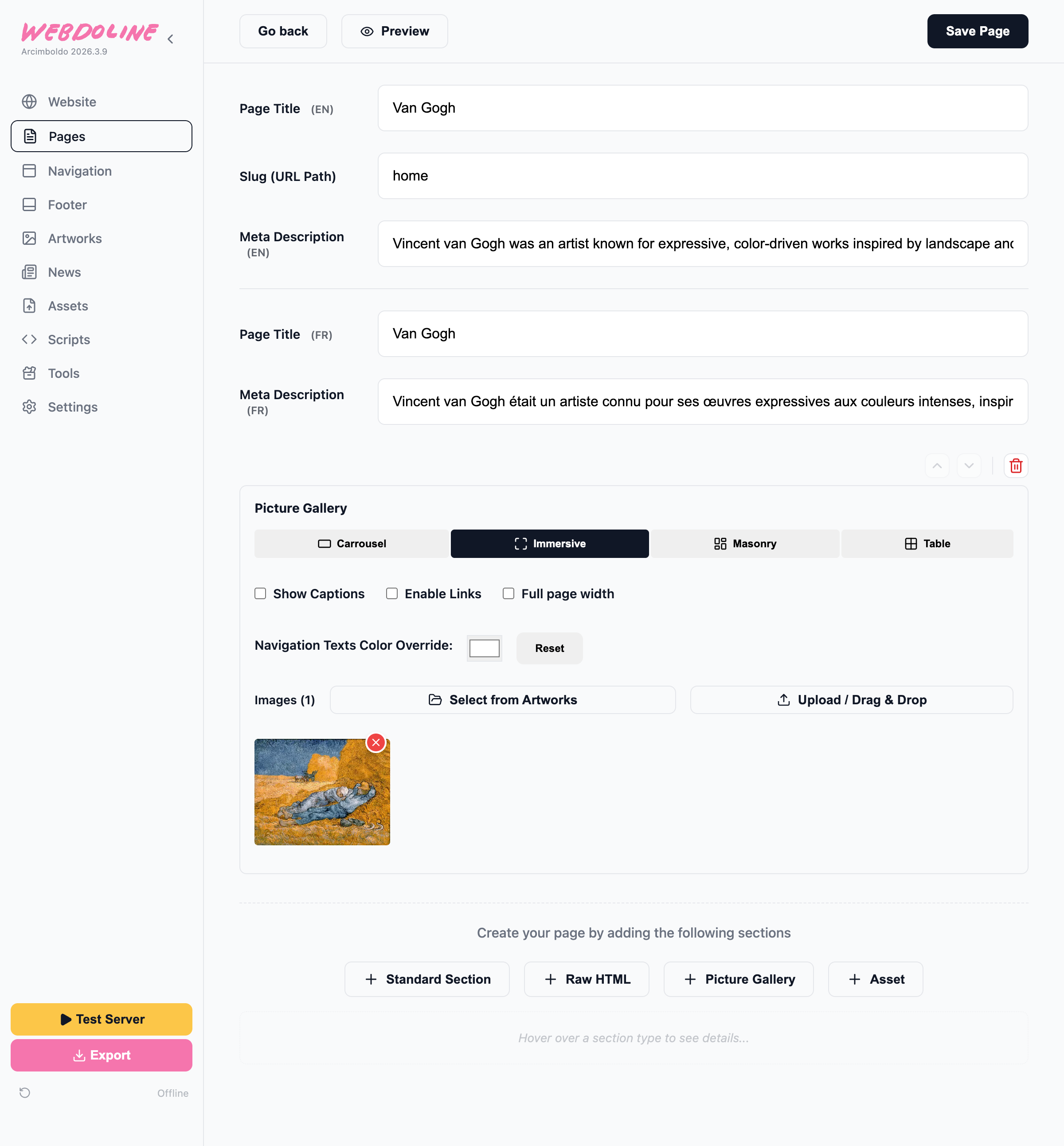
Home
Sections used: Picture Gallery
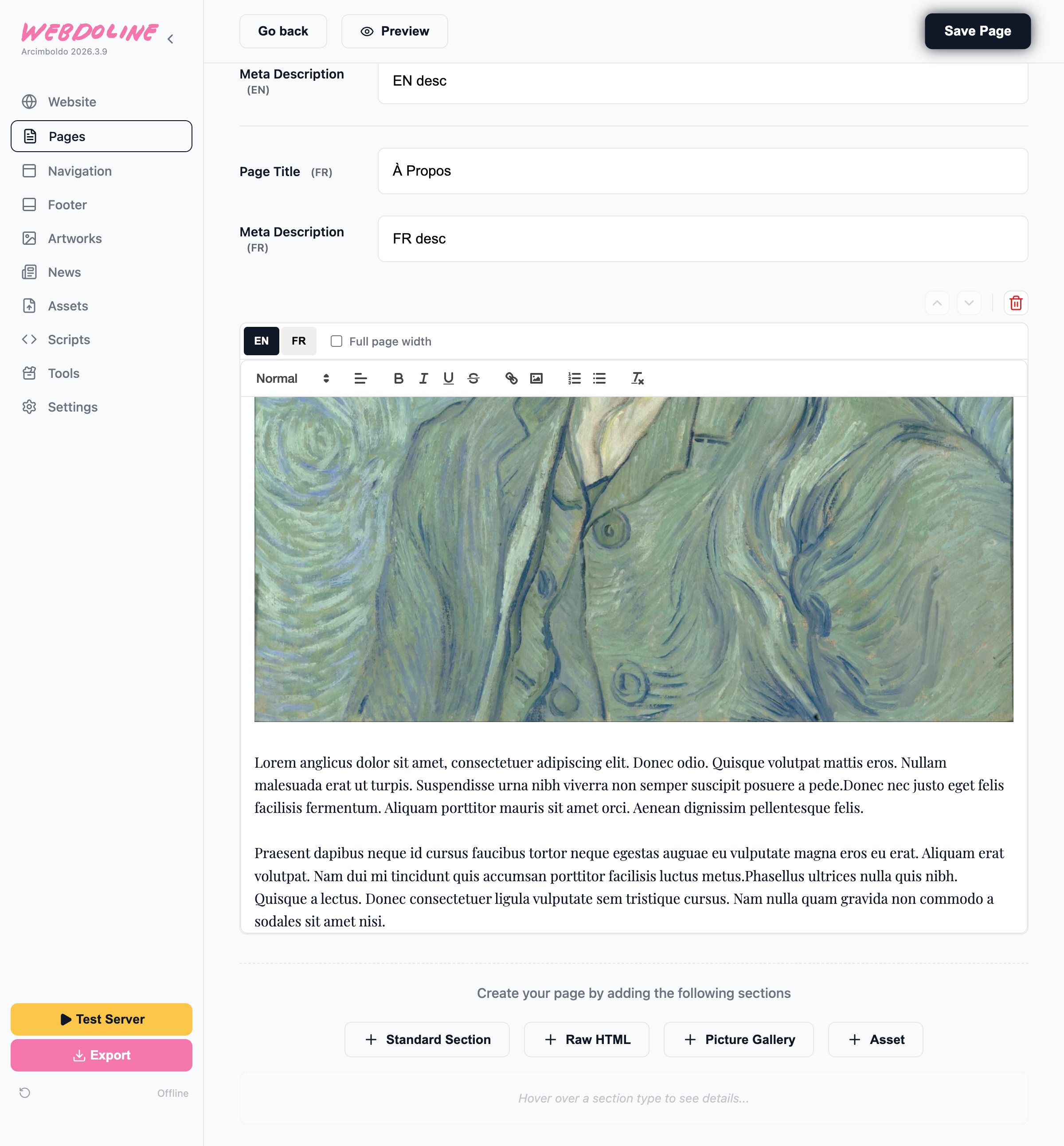
About
Sections used: Standard Section
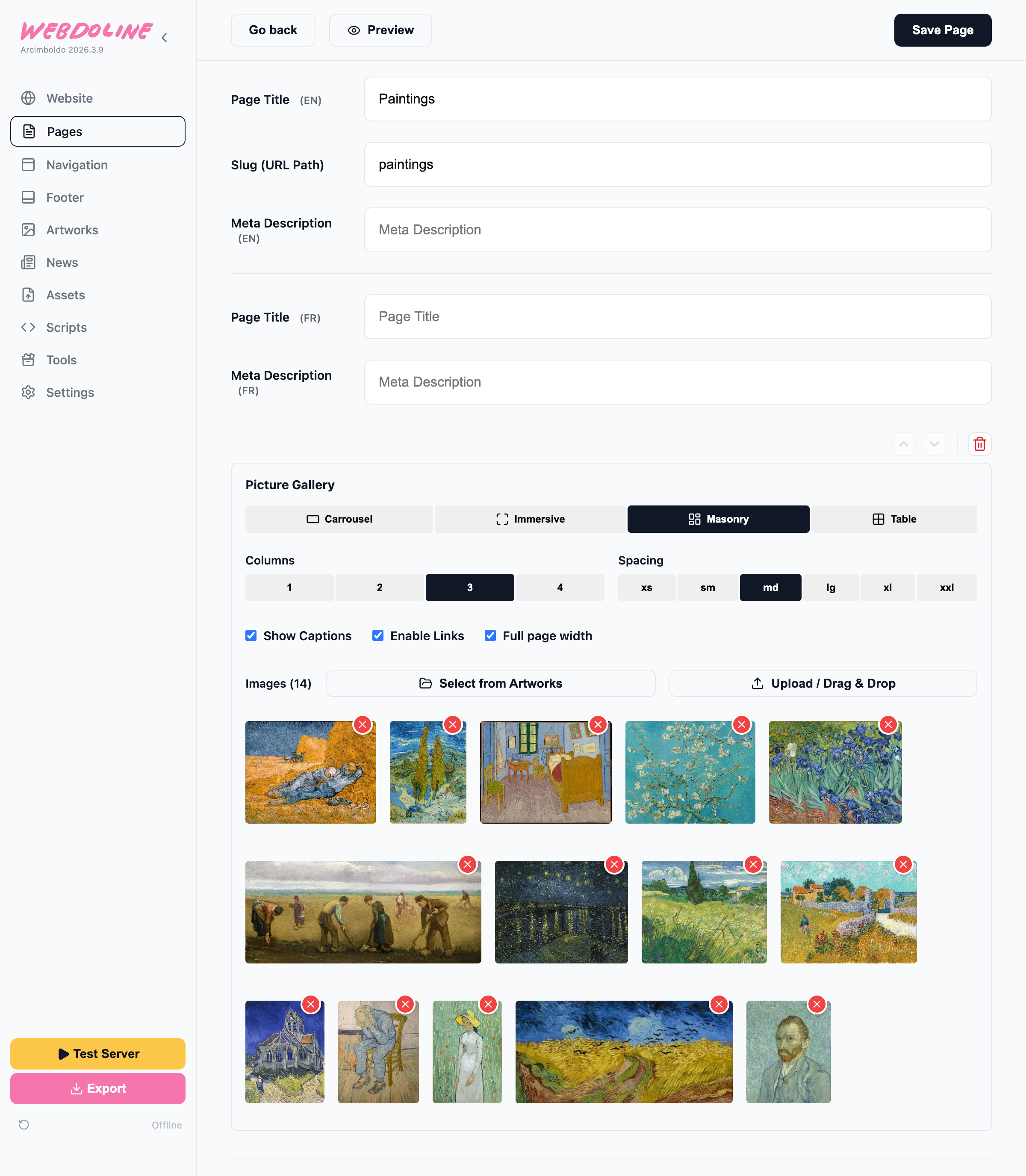
Artworks
Sections used: Picture Gallery.
This page has a picture gallery with some artworks. The first step is to add artworks, we'll see how to do that later.
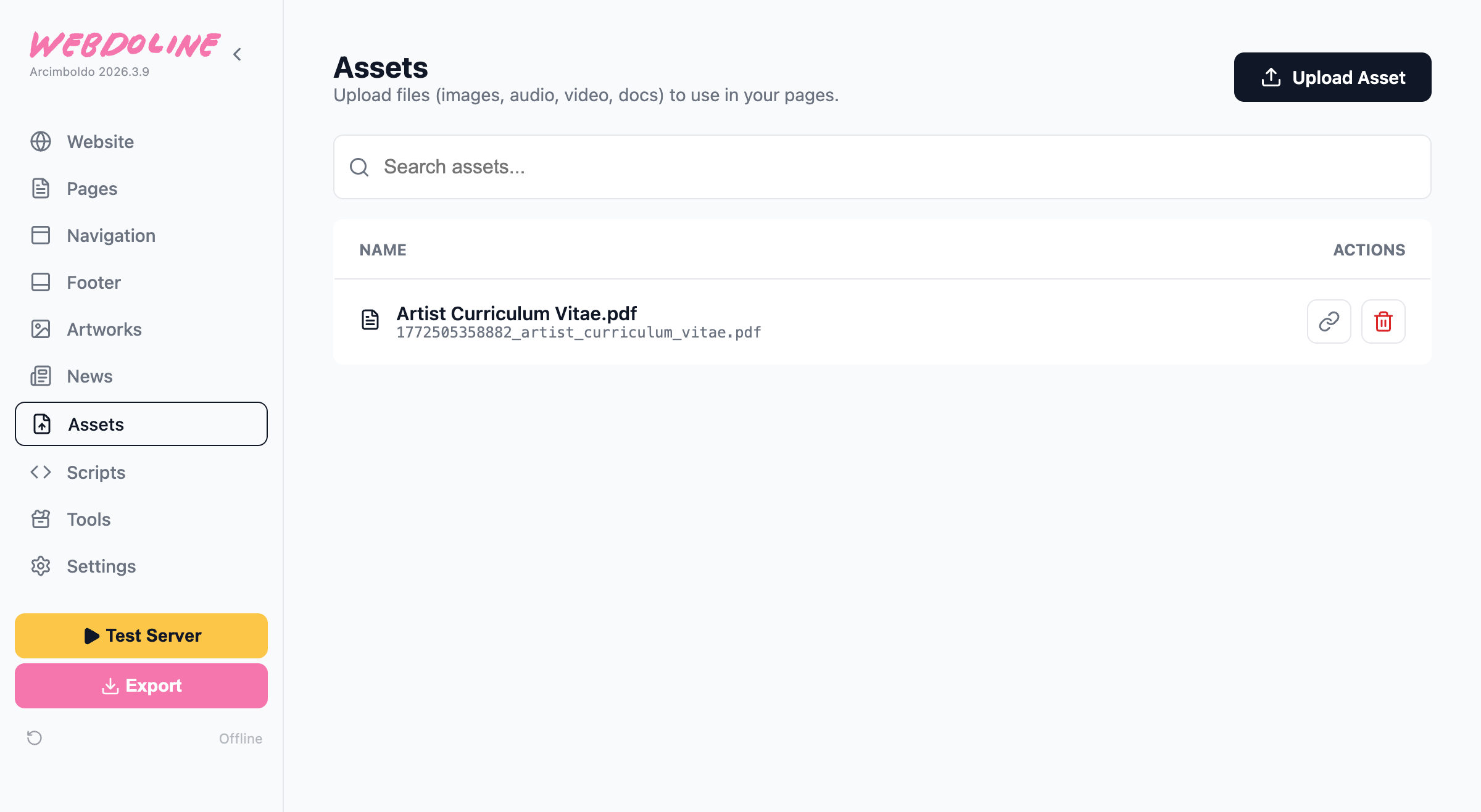
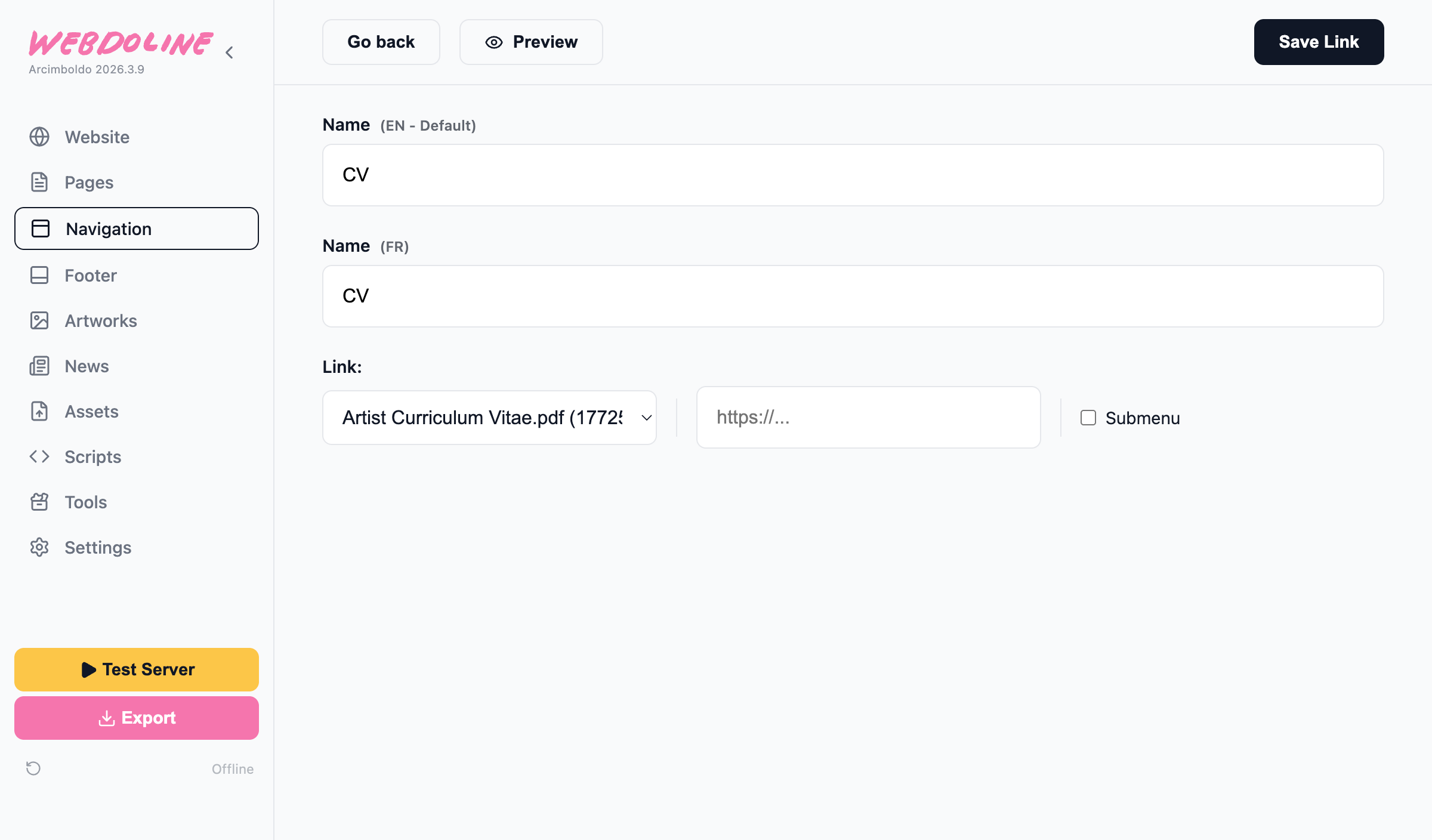
CV
Sometimes you just want add a pdf file or an asset to your website. Assets section is for that. You can link to them in the navigation or add them inside pages using the Asset section.
By Year (1890's & 1880's)
- By Year is a submenu, not linking to a page or an asset, but containing sublinks.
- 1890's and 1880's are pages, very similar to the Selected Artworks one.
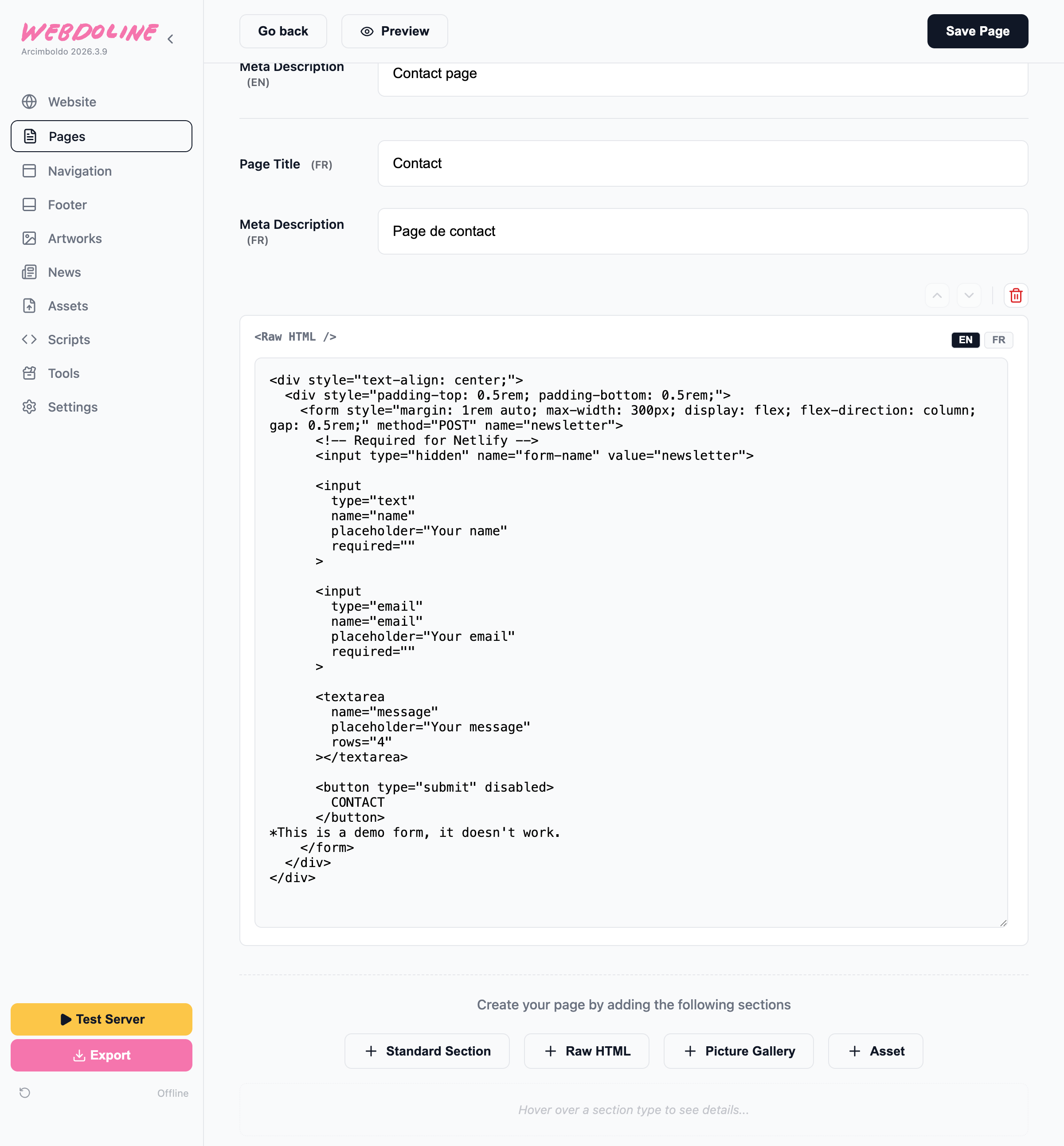
Contact
Sections: Raw HTML This section is to add custom html to a page. Here' we're adding a contact form that works with Netlify.
Artwork Pages
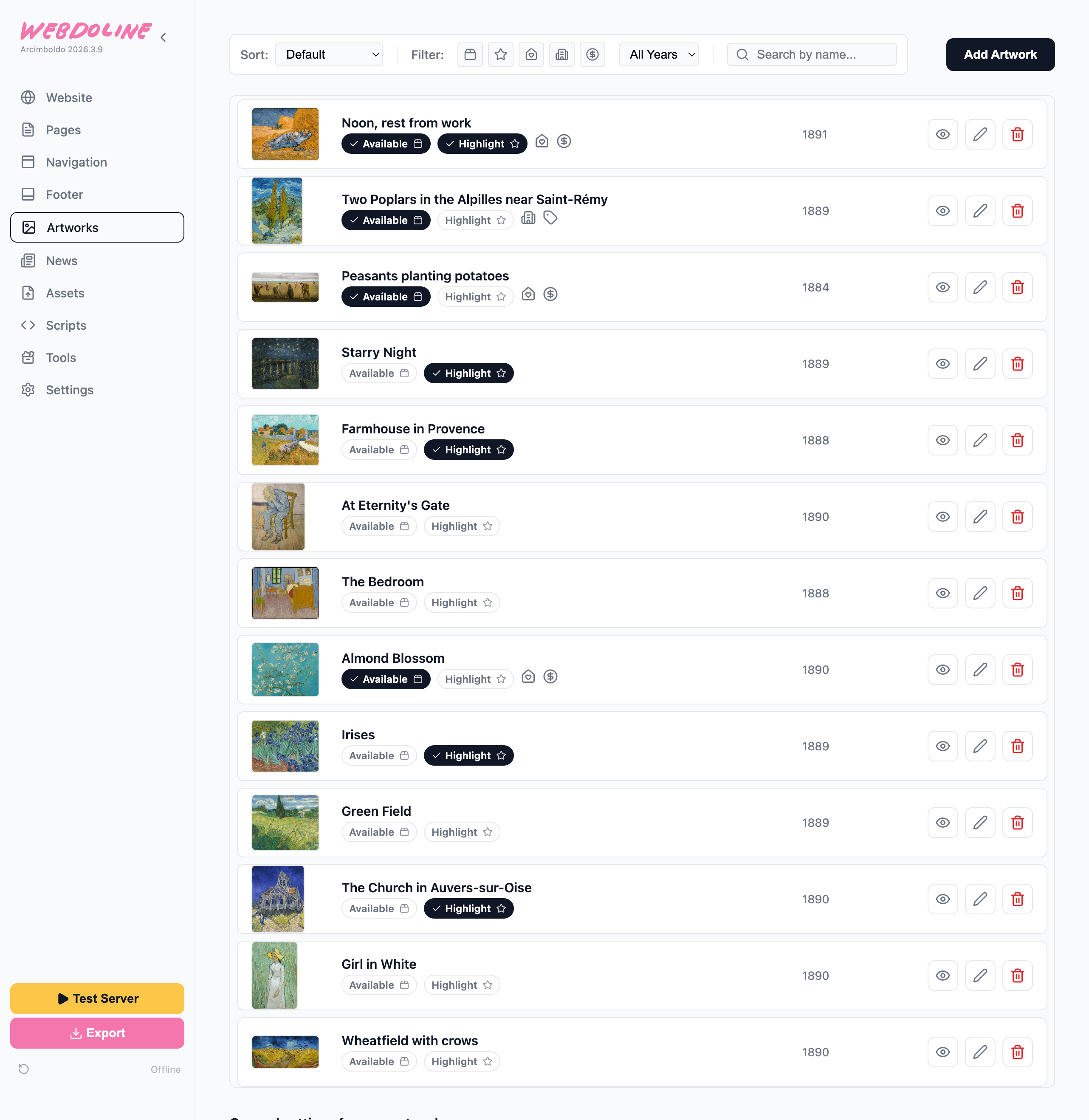
Artworks are shared objects across the website. Each artwork has its own page but also each artwork is an object that can be used in picture galleries or tools.
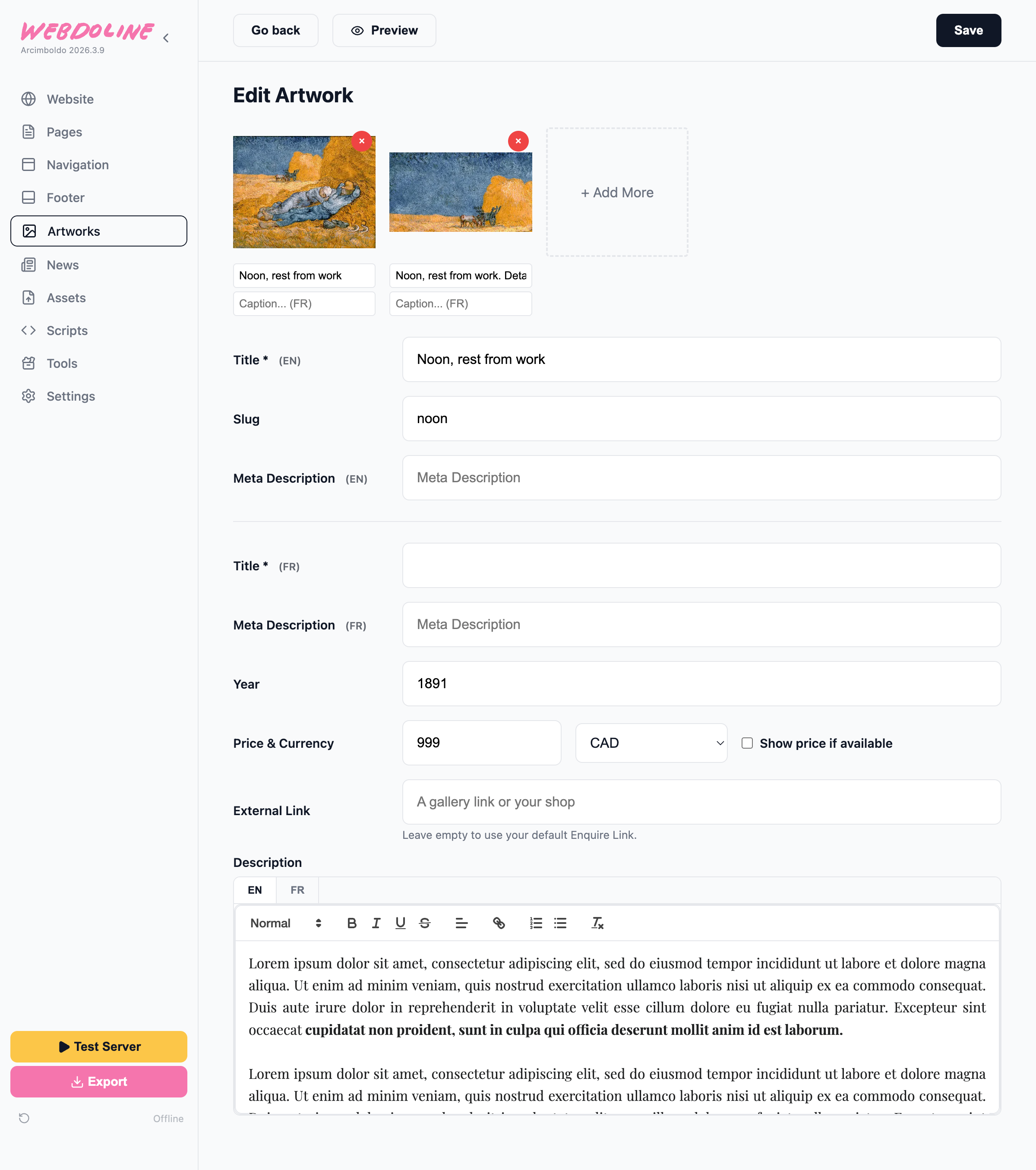
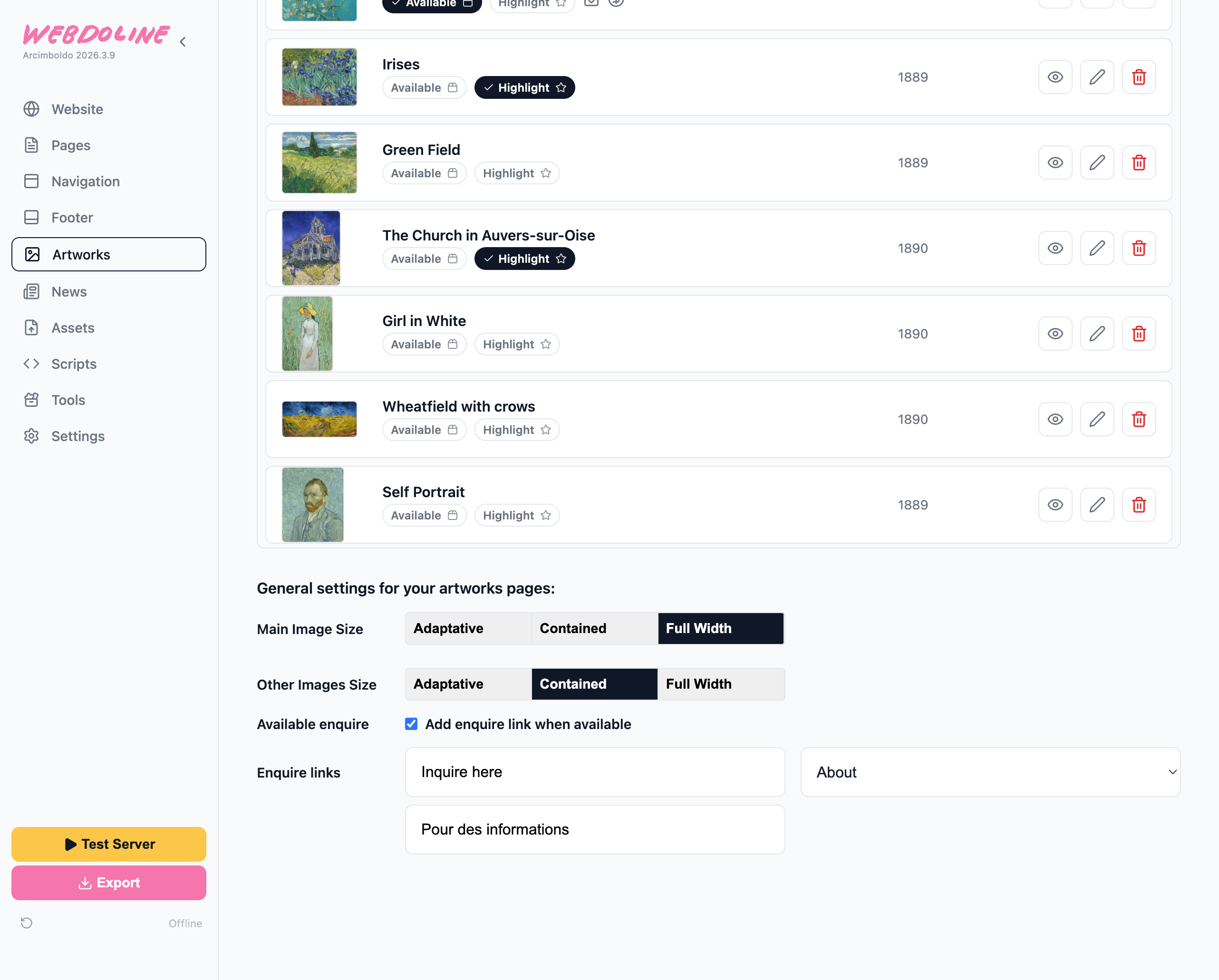
The Artworks section has a list with all of them. At the bottom of the page there are settings that define how the individual artwork pages work:
News Pages
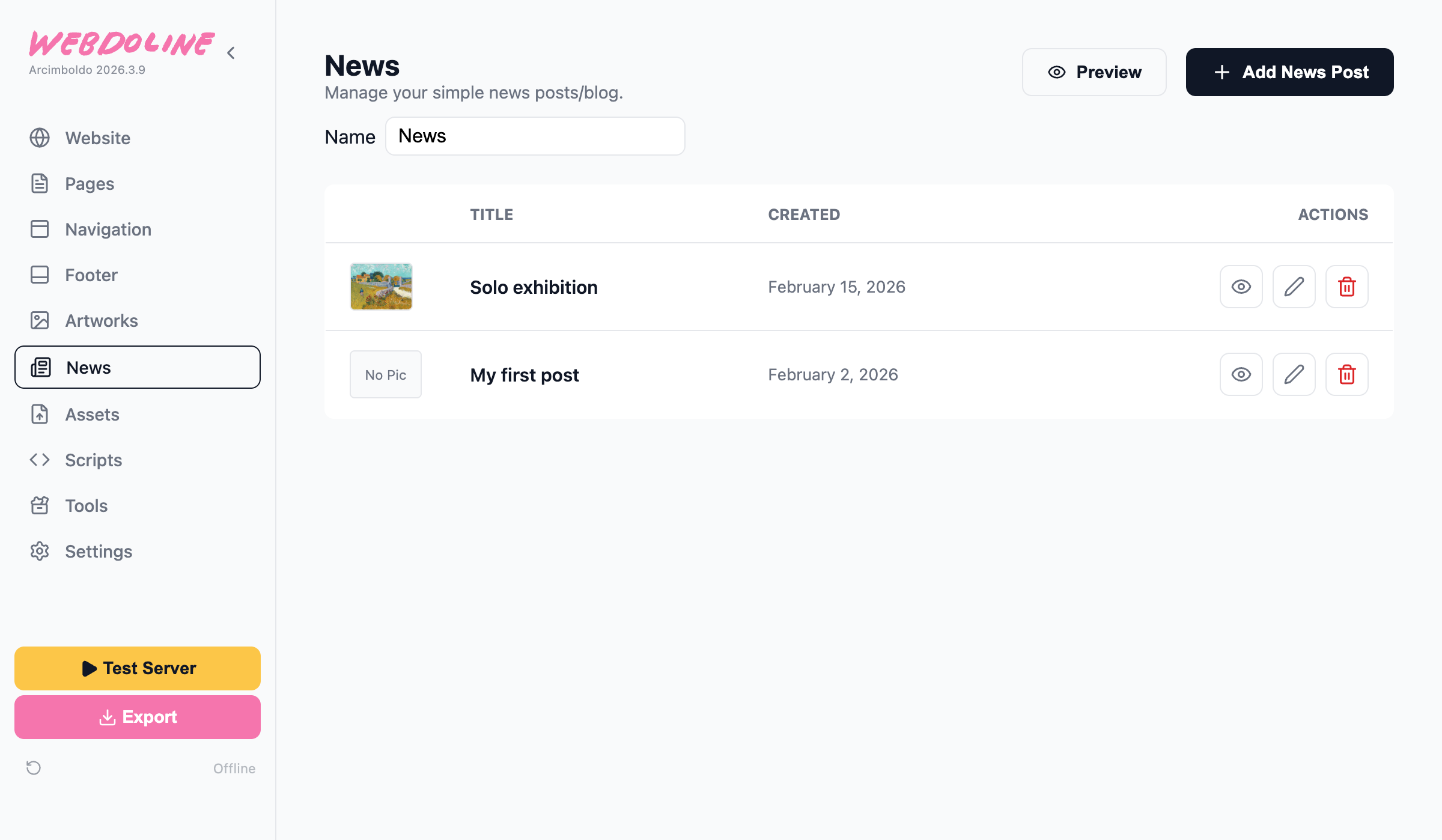
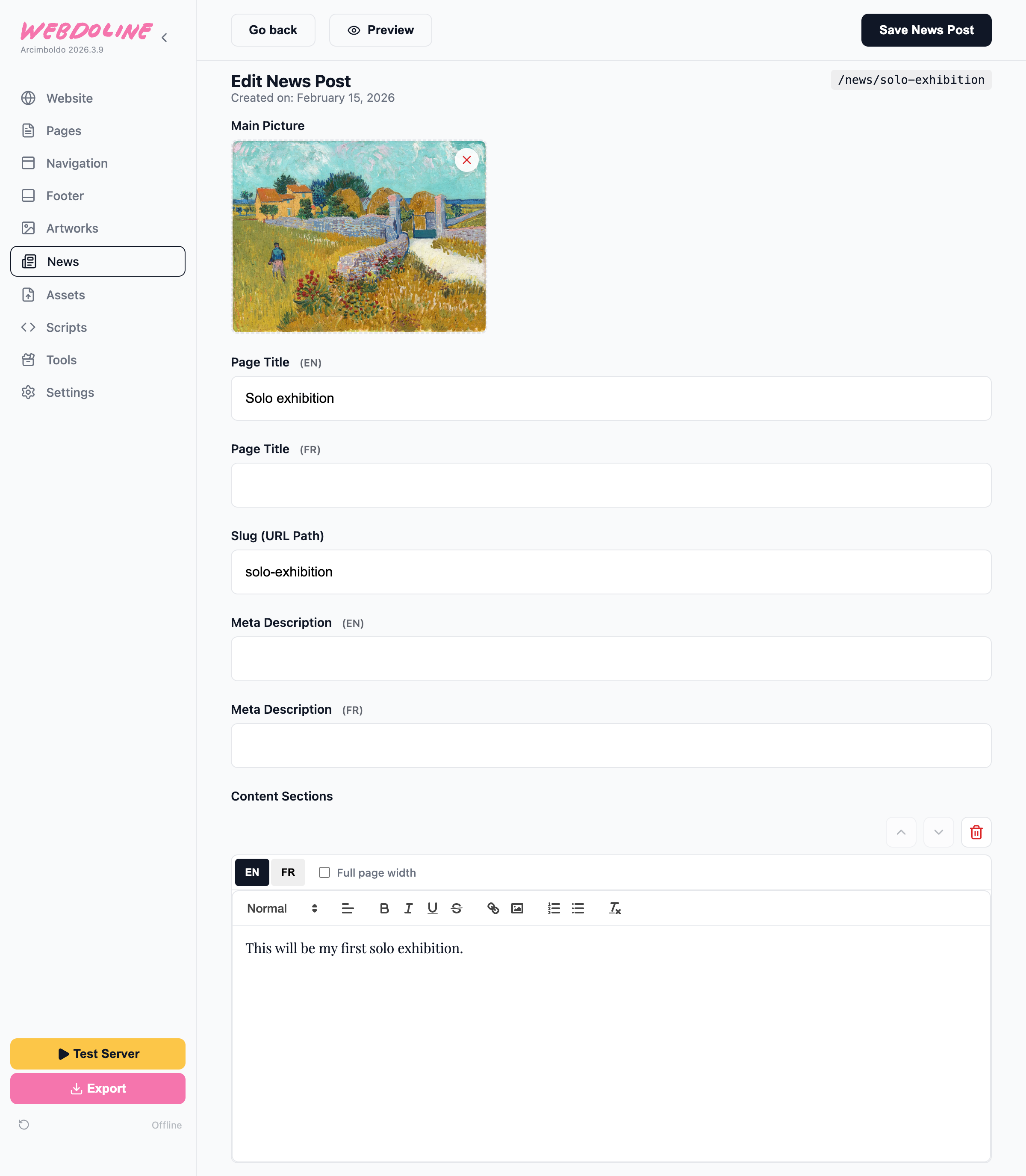
News Post
Sections: Standard Section