Test Server
A test server it's a program that "serves" your website as it was the internet so you can access it on your browser as a real user would.
Start
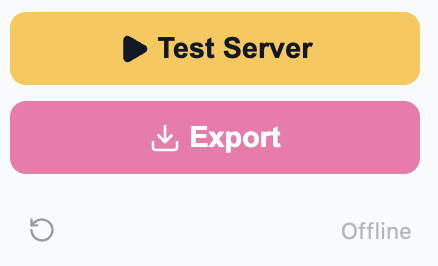
Click the play button to start your server. Each time you save something on the app, you'll website will be updated in the test server so you can test it immediately. You may need to reload a page if you just made a change.
Force Update
If for some reason your website is not updated after a save, click on the circular arrow icon to update.
Stop
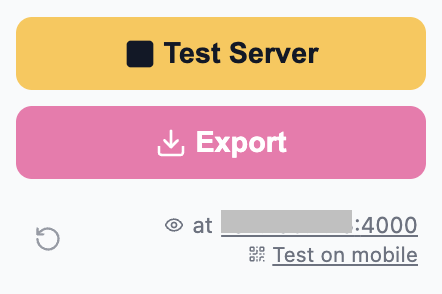
The server is stopped when you close the app, but if for some reason you need to stop your server, click the stop button.
Testing your website
- You'll be directed to the home page of your website when you start your server.
- At the bottom of the app sidebar click on the link next to the eye icon to open your main page.
- At the bottom of the app sidebar click on "Test on mobile" to test in a phone. Ensure your phone is on the same WiFi network.
- Finally there are some app sections wit Preview buttons or Eye icons that will open your website at that specific page..